Cricut Machines






Filters
- Digital Crafting Blades (16)
- Digital Crafting Mats (14)
- Tools (11)
- Heat Presses (8)
- Vinyl (134)
- Digital Crafting Accessories (14)
- Digital Crafting Pens (14)
- View more
- Digital Crafting Machines (2)
- Craft Blanks (9)
- Cards & Envelopes (6)
- Transfer Tape (6)
- Light Boxes (1)
- Transfer Sheets (15)
- Digital Crafting Blanks (11)
- Books (1)
- Craft Knives (1)
- Paper Packs (1)
- Precision cutting of cardstock, vinyl, iron-on and other light to medium-weight materials on a Cricut. (3)
- Cutting thicker materials such as chipboard, thick cardstock, foam, magnet sheet and fabric on a Cricut. (2)
- Holding cardstock, patterned paper, vinyl and iron-on in place for machine cutting and easy release. (2)
- Holding glitter and speciality cardstock, chipboard and stiffened fabric firmly for machine cutting. (2)
- Holding paper, vellum and light cardstock in place for machine cutting, with easy release afterwards. (2)
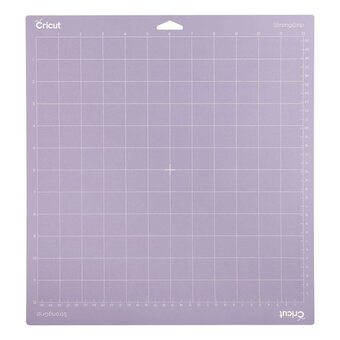
- Matching mat grip to material weight, from paper and vellum to chipboard, with light, standard and strong mats. (2)
- Protecting work surfaces and reflecting heat for crisp iron-on and heat transfer results with a heat press. (4)
- View more
- Clean, precise cutting of vinyl, iron-on, insert cards and other Cricut Joy materials. (2)
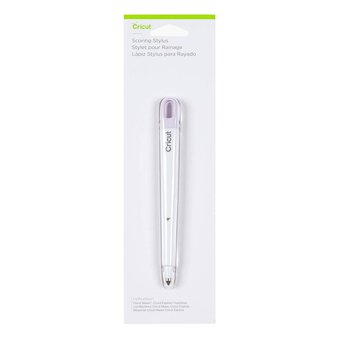
- Scoring deep, crisp fold lines in cards, tags, envelopes and gift boxes with a Cricut Maker. (2)
- Adding pressure-applied foil accents to cards, tags and invitations with a Cricut Joy, with no heat needed. (1)
- Cutting fabric, fleece, felt and leather without a backer for sewing patterns with a Cricut Maker. (1)
- Cutting thick, dense materials like balsa wood, leather, matboard and chipboard with a Cricut Maker. (1)
- Engraving lettering and designs into soft metal, leather, acrylic and plastic with a Cricut Maker. (1)
- Holding medium-weight card, Deluxe Paper and Infusible Ink sheets for cutting on a Cricut Joy. (1)
- Making intricate cuts in bonded or iron-on-backed fabric for appliqué and sewing projects on a Cricut. (1)
- Pressing Infusible Ink designs onto straight-walled mugs for peel-proof, dishwasher-safe gifts. (1)
- Pressing debossed designs into cardstock, foil card and poster board for added dimension with a Cricut Maker. (1)
- Pressing iron-on and Infusible Ink designs onto sweatshirts, banners and blankets with app-guided settings. (1)
- Pressing iron-on and Infusible Ink designs onto t-shirts, tote bags and pillows with app-guided settings. (1)
- Pressing long-lasting iron-on, foil and glitter transfers onto larger t-shirts, banners and blankets. (1)
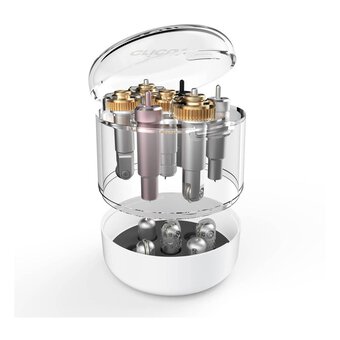
- Storing Cricut tool housings and QuickSwap tips tidily to protect them from wear. (1)
- Cutting glitter iron-on designs to add sparkle to t-shirts, bags, aprons and home décor. (3)
- Cutting glitter iron-on designs for clothes, bags and even wood without a mat on a Cricut Explore 3 or Maker 3. (2)
- Cutting iron-on designs for t-shirts, jackets and bags without a mat on Cricut Explore 3 and Maker 3. (2)
- Cutting matte decals for home décor that remove without residue for up to two years. (2)
- Drawing designs on laser copy paper to heat-transfer as permanent, vibrant ink onto Infusible Ink blanks. (2)
- Holding fabric firmly for precise rotary blade cuts on Cricut Maker and Explore machines. (2)
- Pressing designs onto blank ceramic coasters with heat, to make personalised homeware gifts. (2)
- Cutting and engraving thin basswood sheets on the machine to make small wooden decorations. (1)
- Cutting glossy permanent decals for indoor and outdoor décor that last up to three years. (1)
- Cutting just the front of Cricut Joy insert cards for personalised cards and invitations. (1)
- Cutting no-shed shimmer permanent decals for glassware, mugs, phone cases and décor. (1)
- Cutting up to four Cricut insert or cutaway cards at once on a Cricut Explore 3 or Maker 3. (1)
- Cutting weather-resistant permanent decals, signs and labels without a mat on Cricut Explore 3 and Maker 3. (1)
- Cutting write-on labels for jars, boxes and shelves when organising cupboards and storage. (1)
- Feeding Smart Material rolls straight into a Cricut Explore 3 or Maker 3 for long, matless cuts. (1)
- Hand cutting papercraft and scrapbooking projects on a gridded, self-healing surface, not in a machine. (1)
- Holding heat transfers in place on curved or uneven items like caps, sweatshirts and soft toys. (1)
- Holding iron-on, Infusible Ink and sublimation transfers in place during heat pressing, without residue. (1)
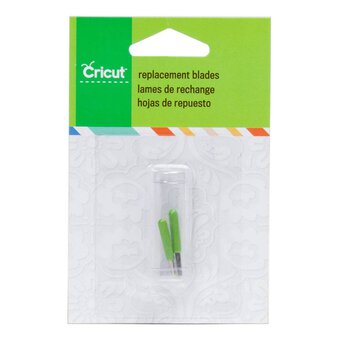
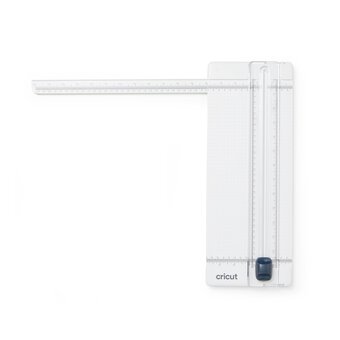
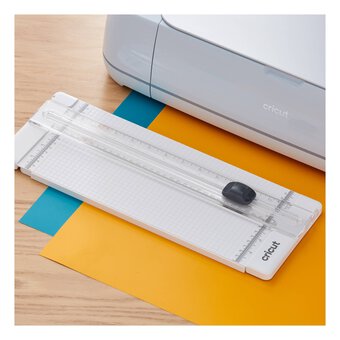
- Keeping a Cricut portable trimmer cutting cardstock, paper and vinyl sharply and cleanly. (1)
- Storing and carrying a Cricut Joy safely in a padded case with a pocket for accessories. (1)
- Storing and carrying an EasyPress 2 or 3 with its safety base, mat and small accessories. (1)
- Writing messages and drawing designs on cards, invitations and papercrafts with a Cricut Joy. (1)
- Cutting Machine (29)
- Heat Press or Iron (6)
- None (3)
- Cutting Machine, Foil Sheets (1)
- Cutting Machine, Heat Press or Iron, Weeding Tool (6)
- Cutting Machine, Transfer Tape, Weeding Tool (6)
- Cutting Machine, Heat Press or Iron (2)
- View more
- Cutting Machine, Heat Press or Iron, Blank (2)
- Craft Knife (1)
- Cutting Machine, Knife Blade (1)
- Cutting Machine, Pen (1)
- Paper Trimmer (1)
Viewing 25 - 48 of 264 Products
Viewing 25 - 48 of 264 Products




FAQs About Cricut Machines
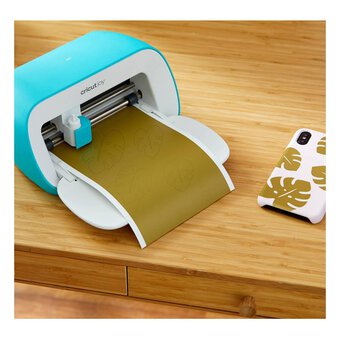
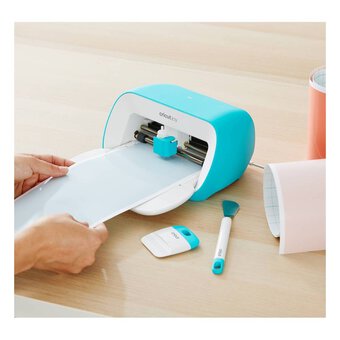
A Cricut machine is an electronic cutting tool used for crafting, scrapbooking, and DIY projects. It cuts a variety of materials like paper, vinyl, fabric, and more, based on designs created in Cricut's software.
Cricut machines can cut paper, cardstock, vinyl, fabric, iron-on transfers, leather, foam, and even wood, depending on the blade and settings used. Always check compatibility for specific materials.
To set up a Cricut machine, download the Cricut Design Space software, connect your machine via Bluetooth or USB, and follow the on-screen instructions to complete the setup process.
Yes, you can use your Cricut machine without a subscription. The Cricut Design Space app offers free projects and fonts, though Cricut Access provides additional designs and tools for a monthly fee.
Cricut Design Space is the software used to create, customise, and send designs to your Cricut machine. It allows you to upload images, access pre-made templates, and modify designs.
To maintain your Cricut machine, regularly clean the cutting mat, replace worn blades, update software, and store the machine in a dust-free environment. Follow the manufacturer's care guidelines for best performance.
Related Products
Oops...
Sorry, we did not find any products that match the
selected filters. You can go back to previous results to
select something different.