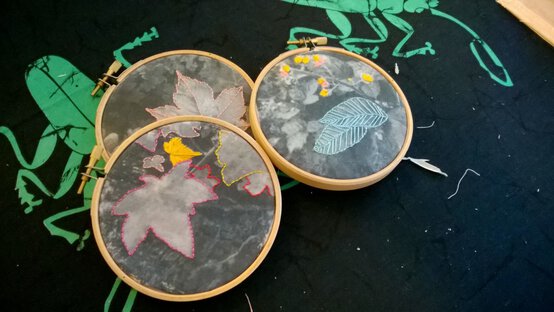
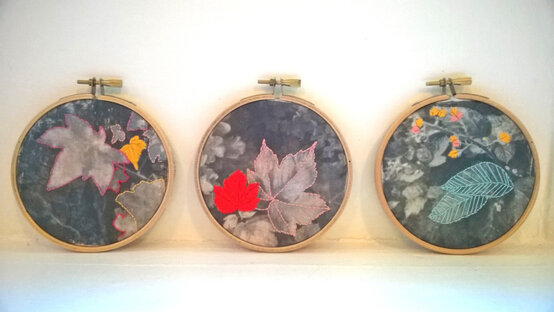
How to Make Embroidery Hoop Photo Transfers
I have always been passionate about embroidery and really enjoy finding new, and unique techniques to reproduce.
One trend that has excited me recently is stitching into photographs. I have decided to take this technique one step further, and transfer a photograph onto fabric and then embroider over the top.
You will need


How to make
You will also need:
Laser Jet Printer
Took some pictures of leaves!!
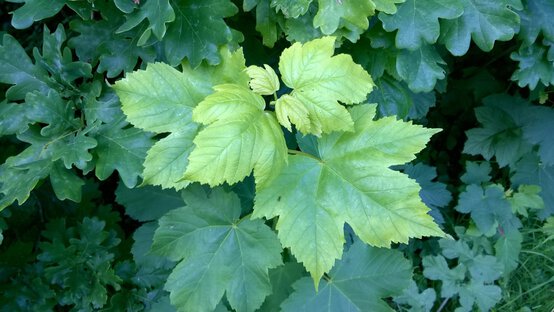
Re-size the photos so that they fit into the embroidery hoop frames and then change to grey-scale. But you could leave them as full colour images if you prefer.
Printed out the images using a laser jet printer and trim to size.
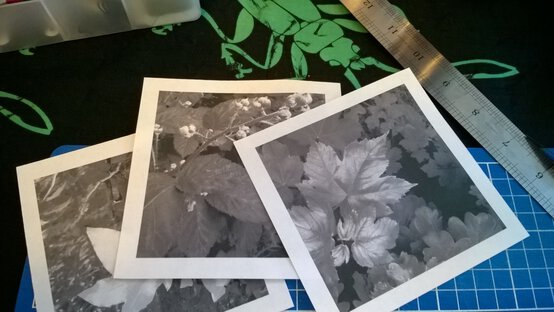
Iron the canvas bag and then cut, so that the front and back panels are separate.
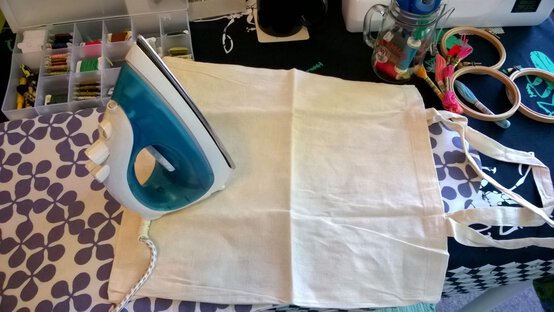
Spread the Image Maker onto the bag and press the printed photos face down onto the canvas and leave for 10 hours.
Gently rub away the photo/paper using a wet sponge.
Roughly cut out each image and arrange in each of the three frames.
Worked out which embroidery threads you want to use on which frame and image, so that there is a nice balance.
Separate out the skeins of embroidery thread, so that you have two threads, this makes it easier to stitch. I then used a variety of stitches (mainly backstitch and long stitches) to fill in my chosen areas.
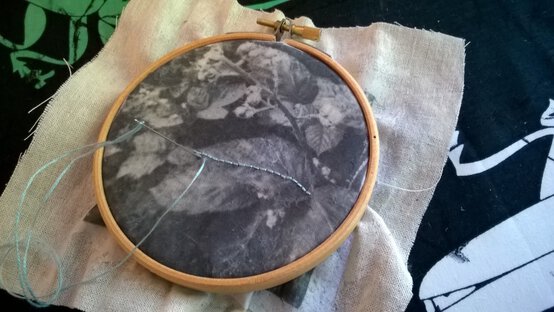
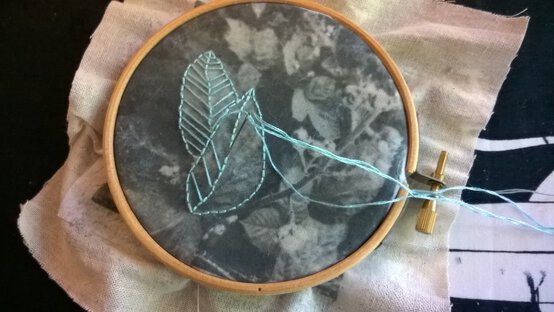
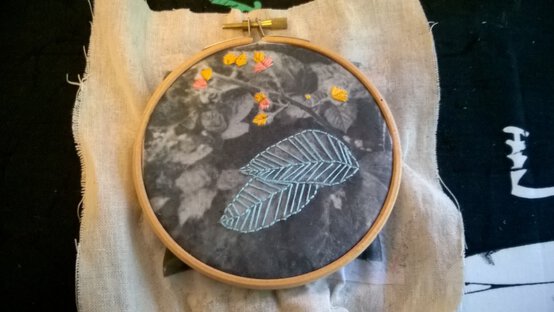
Once happy with your stitching, cut the fabric neatly around the hoop!